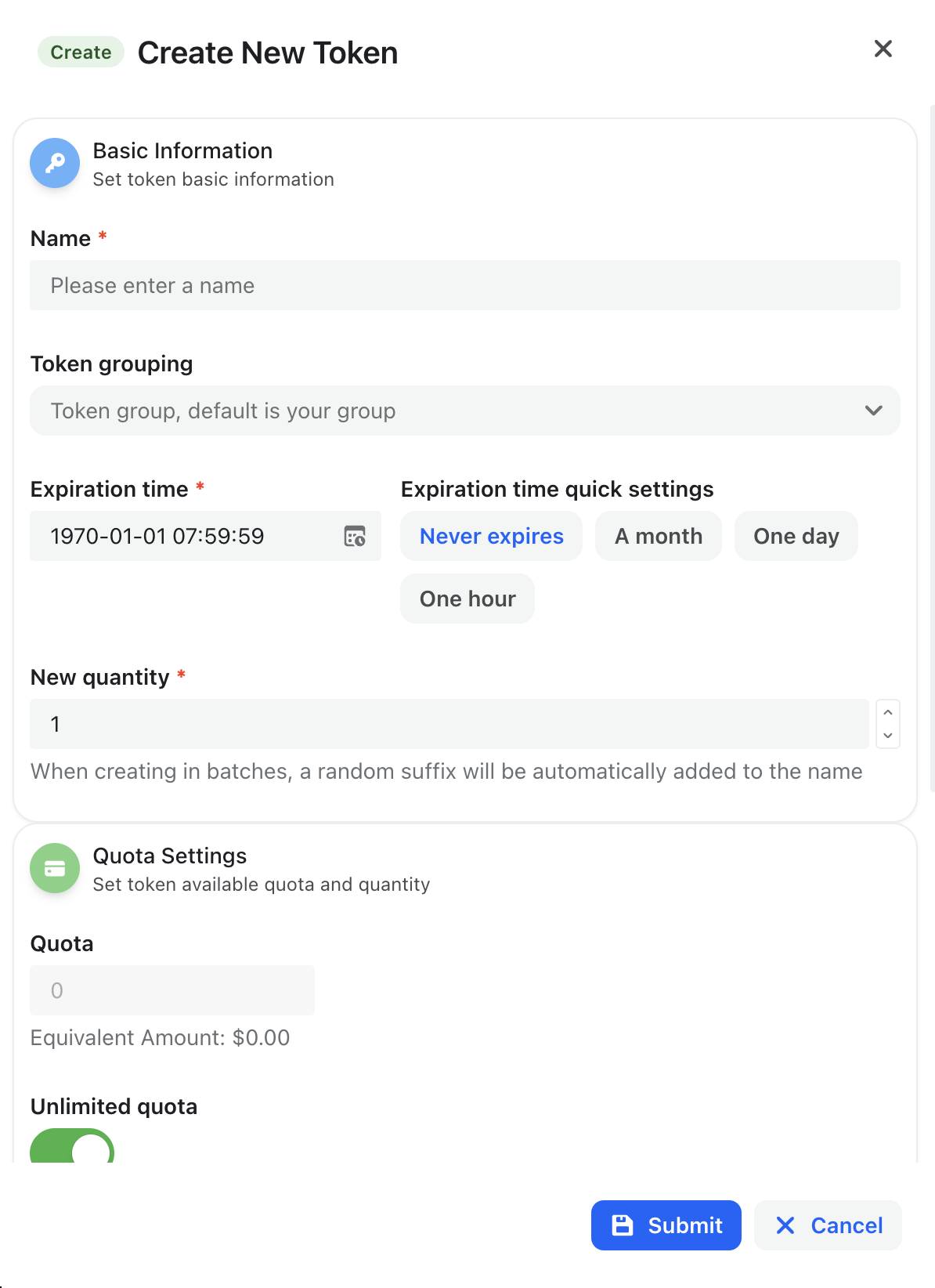
Step 4: Create API Token
Less than 1 minute
Step 4: Create API Token
After logging in, enter the console panel
Access Token Management
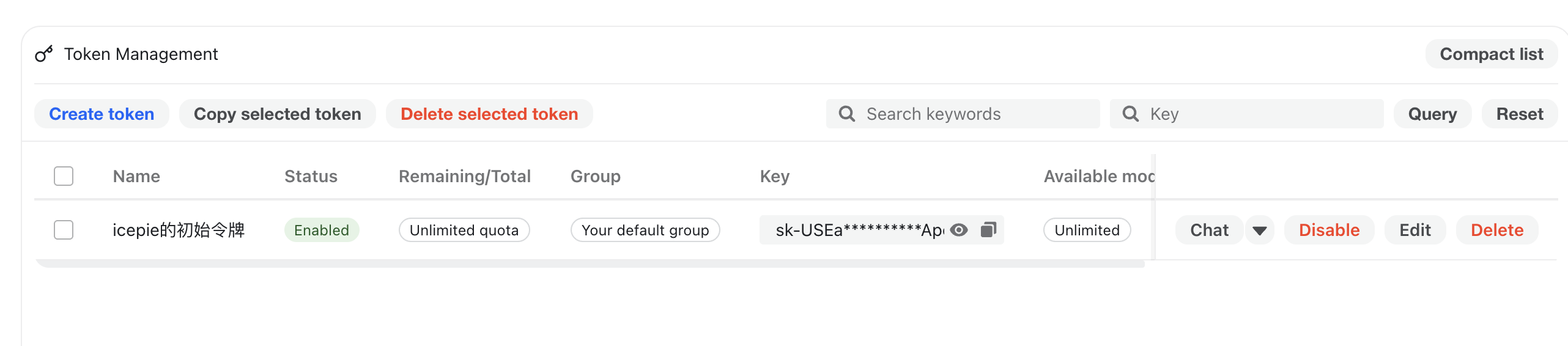
Default Token
New registered accounts will be assigned a default token for initial use.
- Login to console homepage
- Select "Token Management" on the left, click "Add Token" button
- Enter token management page
Create New Token
Fill in information:
Token Name: Easy to identify (e.g., production/test)
Token Group: Very important, you must select the correct token group, otherwise usage will definitely have problems!!!
Expiration Time (Optional): Leave blank for permanent
Quota Settings (Optional): Limit maximum call quota
Access Restrictions (Optional): Restrict accessible models
Click the "Submit" button in the bottom right corner to complete creation